This is a short blog to test the way Open Live Writer works. It is the first time that I use Open Live Writer to write a blog. Also it is the first time that I write a blog article in English. Prior articles where in Dutch.
That said, the first hurdle I encountered was setting the language for the spelling checker. There is a setting in options (File—>Options). This setting is on application level. There is no possibility to set this on blog level. I am Dutch so it could we be possible that I have a blog in English and a blog in Dutch. In that case I have to change the language every time I change blogs.
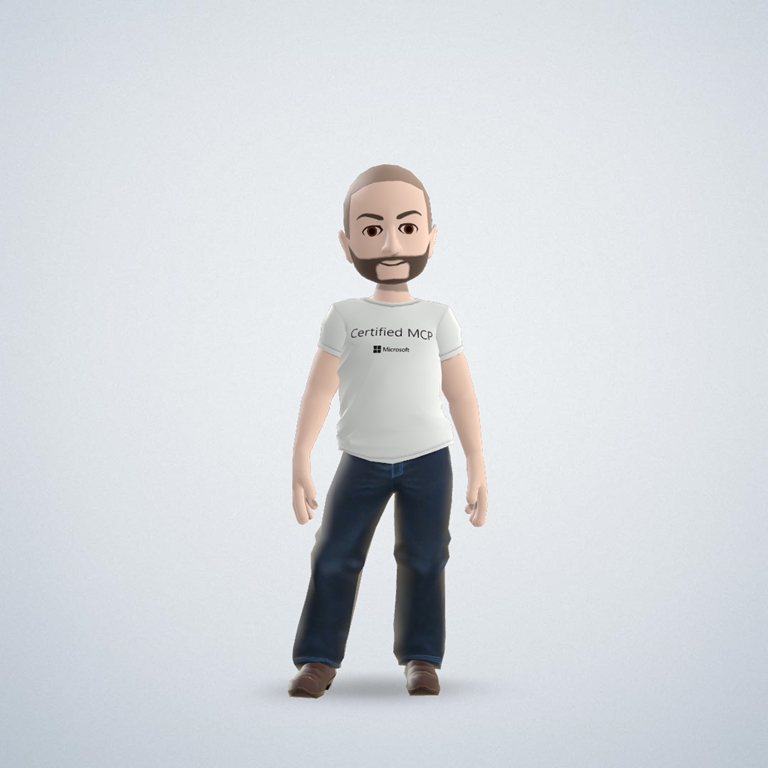 OK, let my try to put an image in my post. I am going to pick an image that resides on my computer. I want to see what Open Live Writer does with it. The image I used is my XBox avatar. Don’t I look cool? I aligned the image to the right. And now I can see the advantage of Open Live Writer. Because you are editing in a window that uses your theme you see directly how this is going to show on your site. A previous blog that I wrote in the WordPress editor I had to publish and edit several times before it looked the way I wanted it to look. Great!
 Richard's Blog